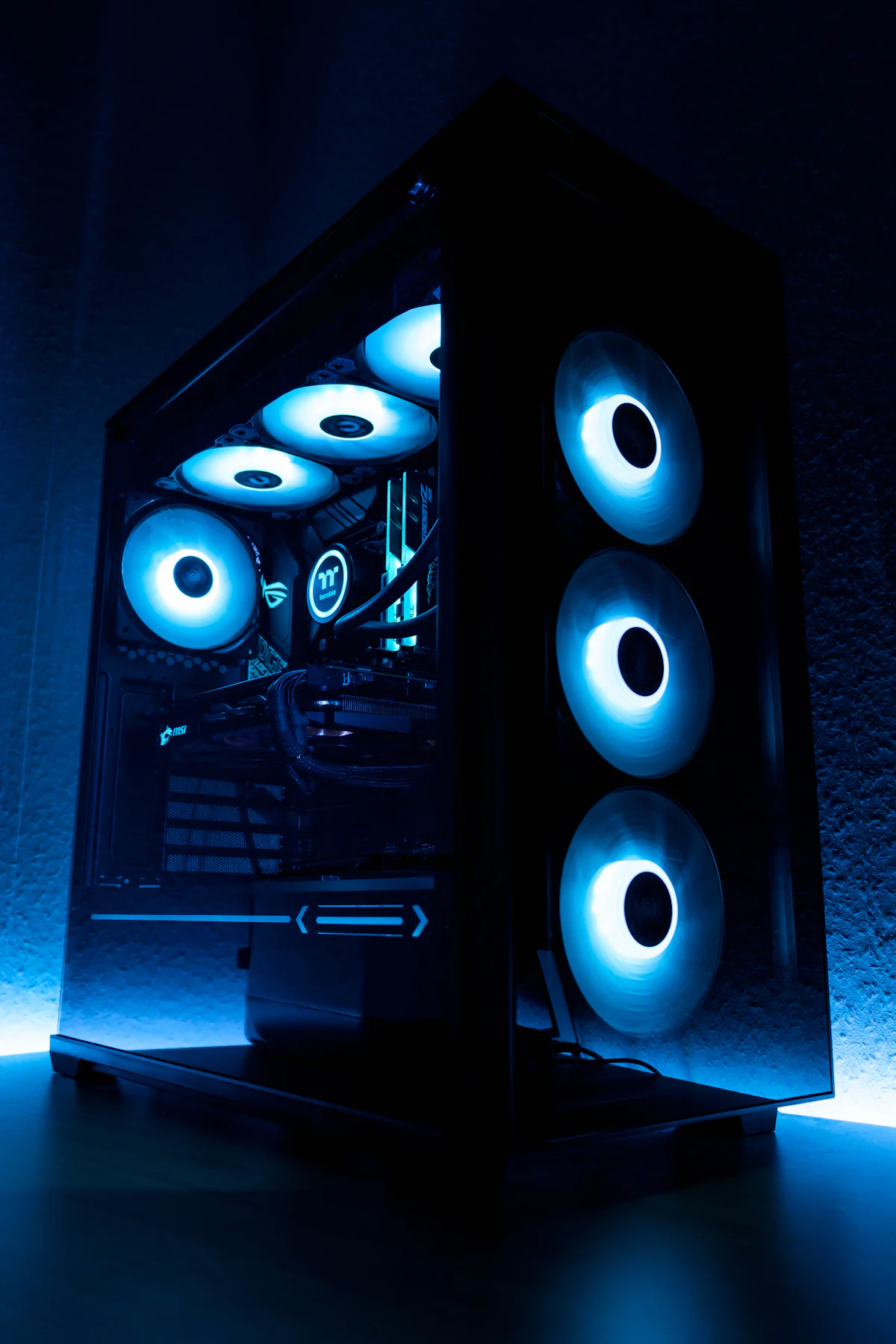
Know what to upgrade next —
before you spend money.
MaxMyFrames benchmarks your current build, spots the real bottlenecks, and turns a messy parts market into a clear upgrade path for your games, creator work, or AI workloads.
Free to use · No account needed · Takes ~5 minutes
How It Works
Four steps to a smarter rig
Start with what you want the PC to do, then describe your current rig. We do the benchmarking, compatibility math, and tier ranking so you can decide what to buy.
Pick your goal
Gaming, creator, or workstation? Start with the workload so the whole flow knows what performance actually means for you.
Describe your rig
Tell us your CPU, GPU, RAM, and motherboard. Pick from suggestions or type part names.
Fine-tune
Set your budget, brand preferences, and region. We respect your constraints.
Get your plan
We benchmark your rig, score it against your workload, and suggest upgrades in Budget, Value, and High-End tiers.
Why MaxMyFrames
Built for real upgrades, not hype
The boring stuff — compatibility, PSU headroom, socket math — handled. The interesting stuff — ranked, scored, explained — surfaced first.
Real parts only
Every recommendation maps to a real, purchasable component. No theoretical builds.
Compatibility guaranteed
Socket, RAM generation, form factor, PSU headroom — we check it all before recommending.
Tiered recommendations
Budget, Value, and High-End options so you can pick what fits your wallet.
Build benchmark
Your current rig gets a 0–100 Gear Score per workload, so you see exactly where it falls short.
Before & after
Every suggested upgrade shows the projected score improvement, so you know the impact before you buy.
Updated weekly
The hardware catalog refreshes weekly with the latest CPUs, GPUs, and components.
Snapshot-backed parts data refreshed weekly.
CPUs, GPUs, RAM kits, and boards mapped into one upgrade graph.
No email wall. Your session stays in your browser.
Workload Profiles
Tailored for how you actually use your PC
The same parts are not the right answer for everyone. We weigh CPU, GPU, RAM, and storage differently per workload, so the upgrade plan matches what you actually do.
Gaming
Smooth frames, low latency, fast asset loads.
Creator / Content Creation
Faster renders, snappy timelines, smooth previews.
Workstation / AI
Viewport fluency, AI/ML headroom, simulations, and export stability.
Questions
Frequently asked
MaxMyFrames is a PC upgrade advisor. You tell it what hardware you have, what you use the PC for, and which constraints matter. It turns that into practical upgrade guidance instead of a generic parts list.
The goal is to help you decide what to upgrade first, what can wait, and where compatibility or budget could get in the way.
Yes. The public configurator is free to use right now. You do not need a paid plan or trial to generate an upgrade recommendation.
MaxMyFrames combines catalog data, compatibility rules, workload priorities, and AI-assisted explanation to produce useful guidance. It is designed to be a decision helper, not an authority that replaces checking real retailer pages and manufacturer specs.
Before buying, verify case clearance, motherboard BIOS support, PSU cables, warranty terms, and the final retailer price.
The configurator tracks core constraints such as CPU socket, motherboard memory type, form factor, RAM generation, estimated power headroom, and workload fit. It also flags obvious bottlenecks like pairing a very old CPU with a much stronger GPU.
Compatibility is still a real-world checklist. Use the recommendation as a strong starting point, then confirm exact dimensions and support lists for the parts you choose.
Prices are estimates based on available catalog and region data. They can move quickly because PC hardware pricing depends on stock, retailer, country, sales, and currency.
Treat prices as planning guidance. Always check the current checkout price before buying.
MaxMyFrames needs your selected hardware, workload goals, rough budget, and region choice to produce useful advice. Region is used to choose market context such as currency and likely retailer availability, not to identify you personally.
Browser progress can be stored locally on your device. Generated recommendations may be retained so the service can show summaries, debug bad advice, and improve quality. Do not enter secrets, serial numbers, or personal notes into free-text fields.
No. Recommendations should be based on fit: compatibility, workload impact, budget, and component value. Affiliate availability is not supposed to make a bad part look good or hide a better option.
MaxMyFrames is independent and is not sponsored, endorsed, certified, operated, or supported by Amazon. If a recommendation looks wrong, use the feedback page so it can be reviewed.
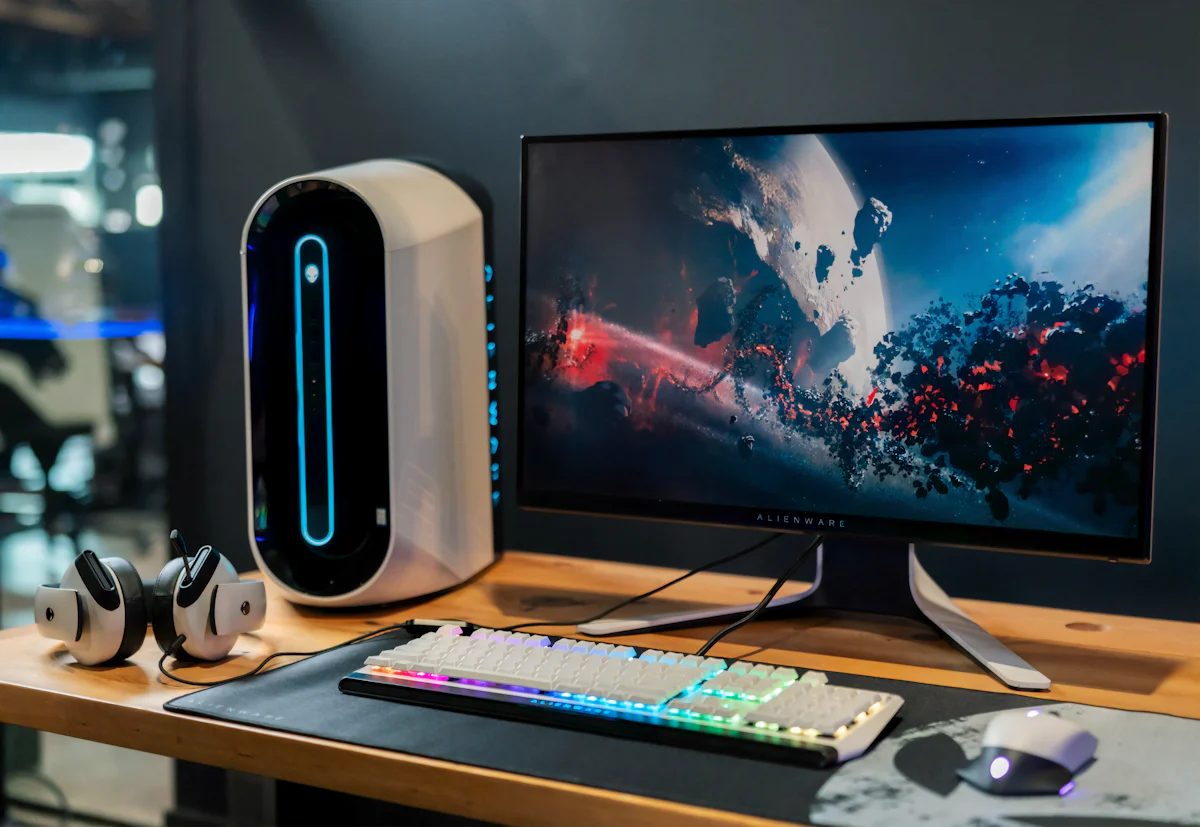
Ship your upgrade
Ready to stop guessing?
Bring your current build. Leave with a ranked upgrade path and clear next steps.
- Free, ~5 minutes
- No signup, no email
- Real parts only